
What we cover
This is one of the easiest wins in SEO, and people still avoid it because they think it’s scary.
It isn’t.
Before we get started though, if you are still wondering what a sitemap is and where do I find it… then go read this first: How to Find Your Sitemap (And What to Do If You Don’t Have One)
Step 1: Open Google Search Console
Go to:
Log in with the Google account that manages your site.
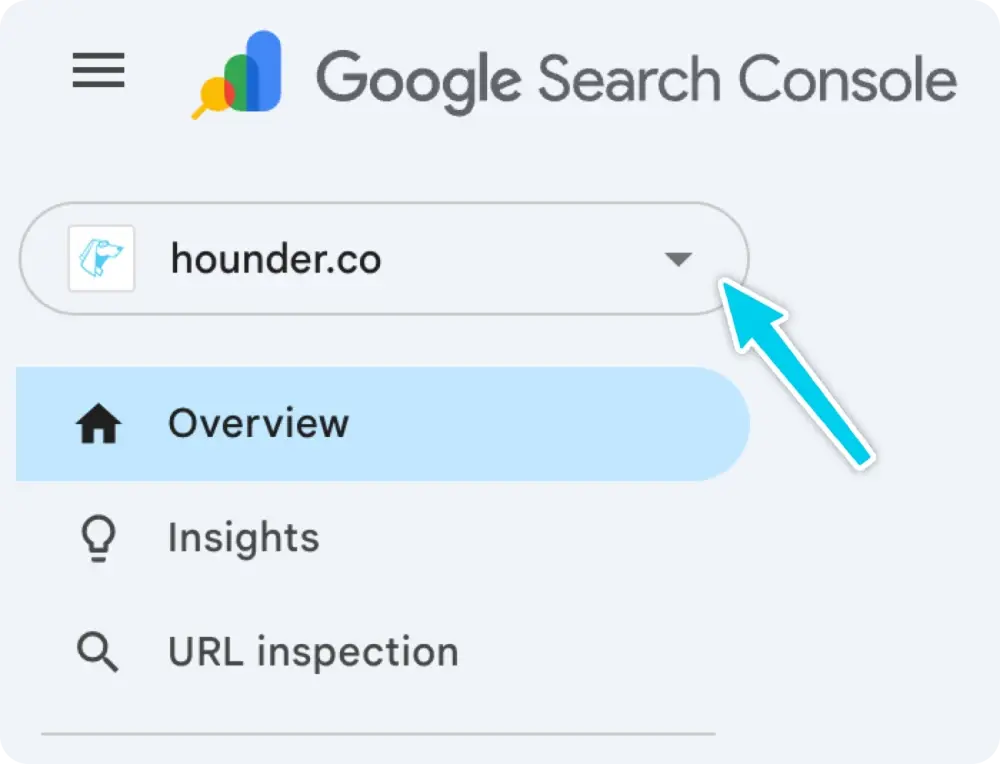
Step 2: Select the Correct Property
In the top-left corner, select your website.
If you see multiple versions (http vs https, www vs non-www), choose the one you actually use.
Image
Step 3: Go to the Sitemaps Section
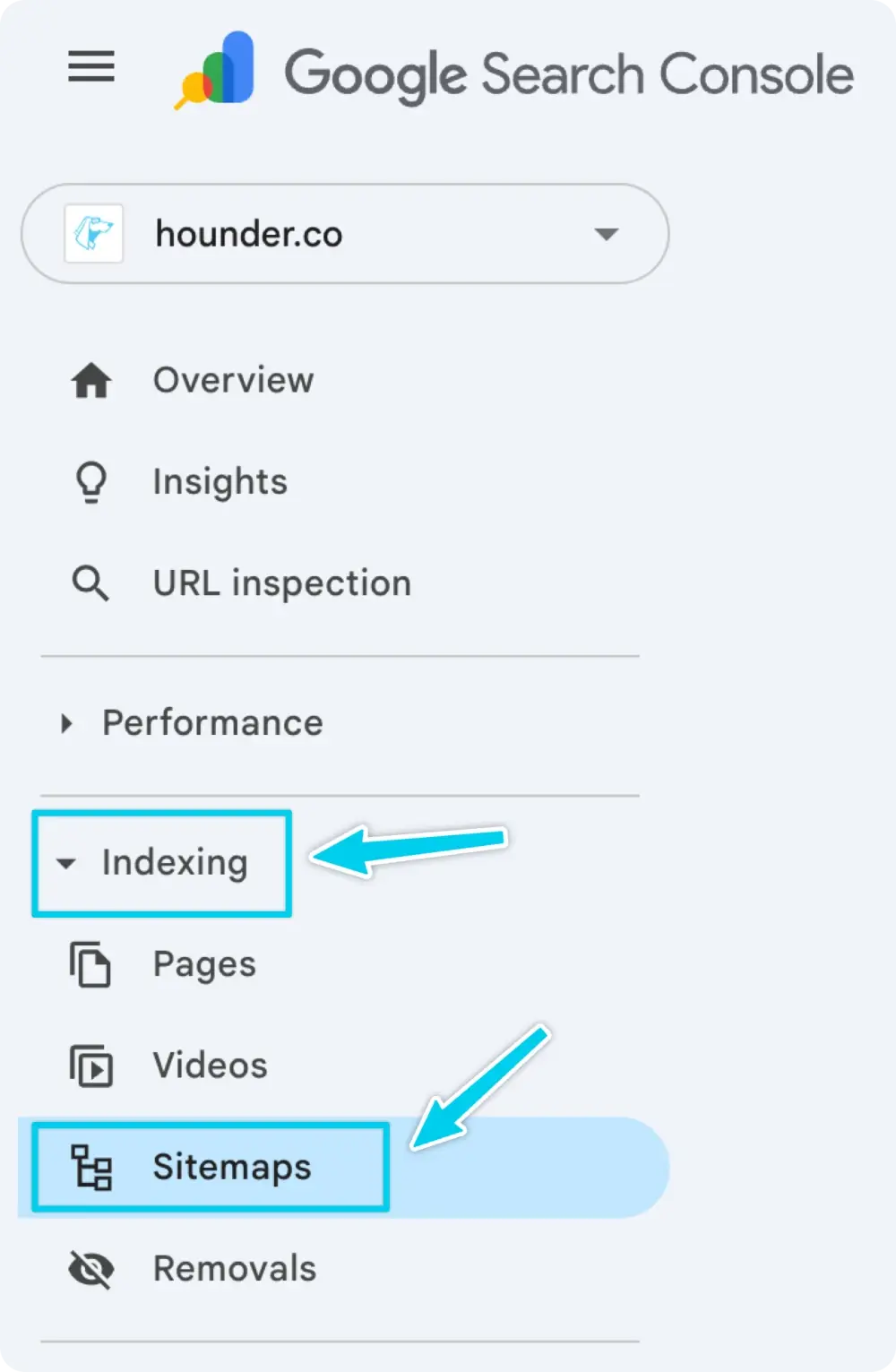
In the left-hand menu:
- Click Indexing
- Click Sitemaps
You’ll see a field that says “Add a new sitemap”.
Image
Step 4: Paste Your Sitemap URL
Paste only the part after your domain, for example:
- sitemap.xml
- sitemap_index.xml
Then click Submit.
Image

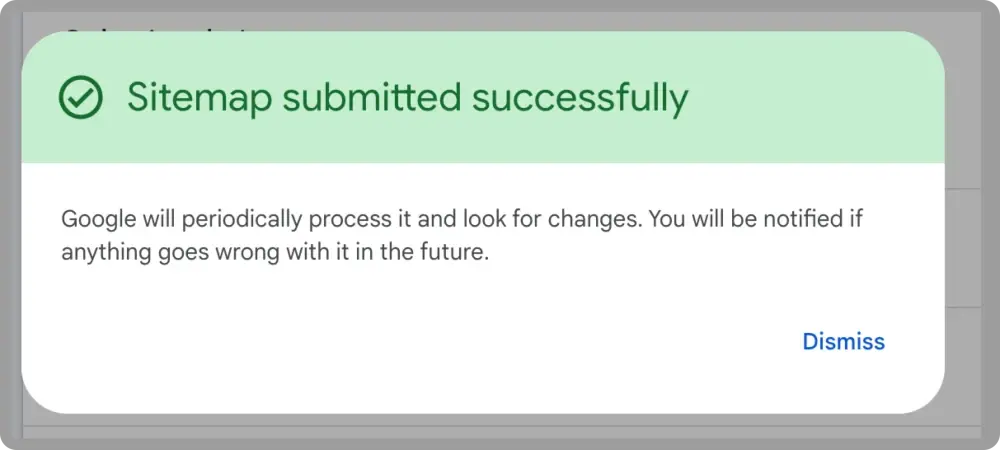
Step 5: Confirm Submission
If successful, you’ll see:
- Status: Success (or “Couldn’t fetch” initially, which often resolves)
- A timestamp
- The number of discovered URLs (after processing)
Image
That’s it. You’re done.
Google will now use this sitemap as a guide, not a guarantee.